
Unreal Engine Web Browser widget alternatives for game UI
Unreal ships a Web Browser widget, and it is the first thing most developers try when they want HTML in their game. It is built for showing web pages: a store page, a news feed, a login screen. Game UI asks for different things. A HUD has to be transparent, let clicks through to gameplay, update every frame without stalling the game, talk to Blueprint and C++ constantly, and ship its files inside the packaged game.
This page compares the main ways to build Unreal UI with HTML, CSS and JavaScript, and what to check before you choose one.
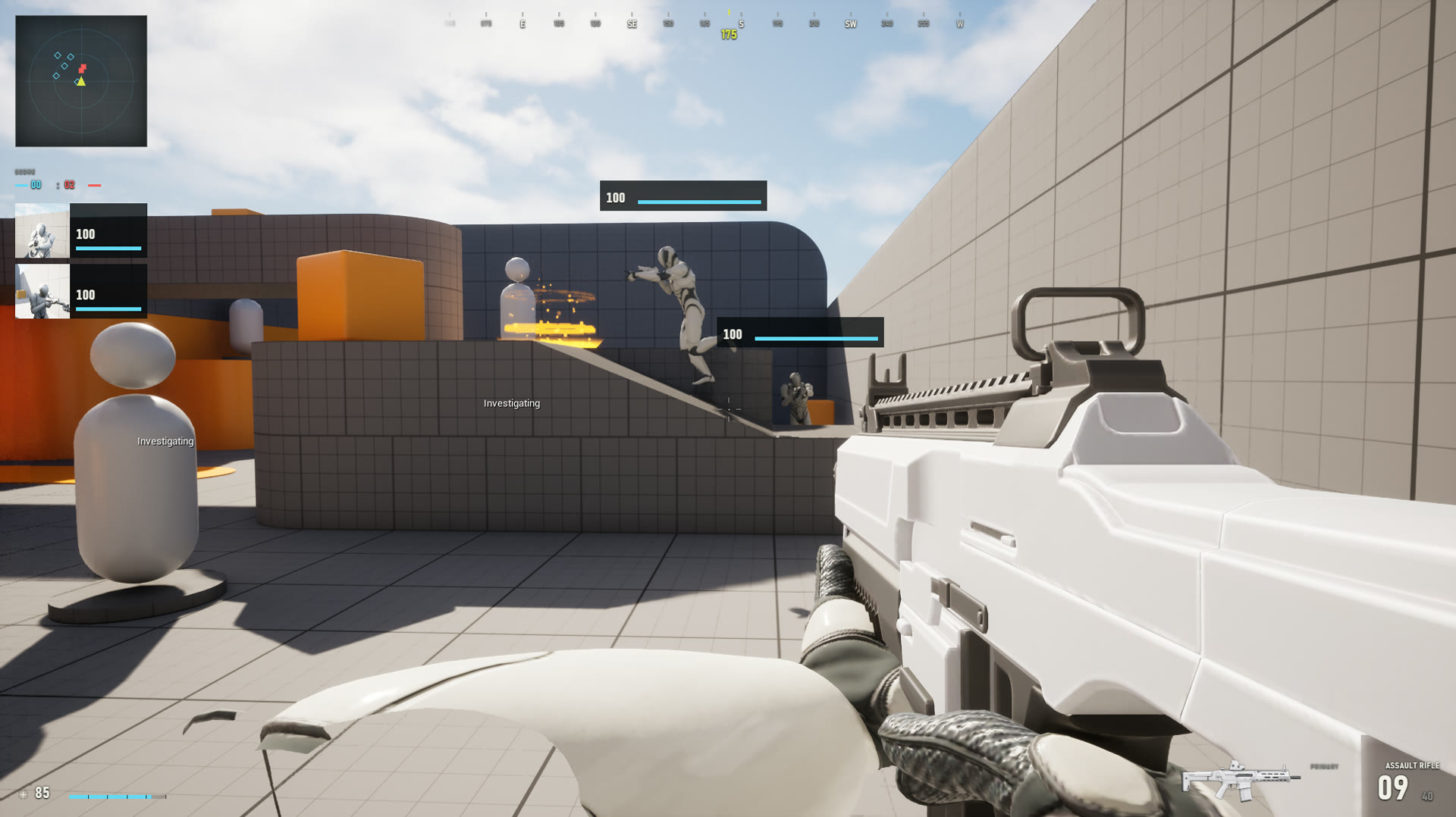
The options
| Approach | How it renders | JavaScript and frameworks | Main trade-off |
|---|---|---|---|
| Built-in Web Browser widget | Epic's Chromium Embedded Framework (CEF) integration | Yes | Built for web pages; game-UI plumbing is left to you |
| Chromium plugins built for game UI | A plugin-owned CEF runtime | Yes, including React and npm libraries | Chromium's memory footprint; usually replaces the built-in browser |
| Microsoft Edge WebView2 | The WebView2 runtime installed on the player's PC | Yes | Windows only; depends on the player's installed runtime |
| Native HTML/CSS renderers | The plugin's own layout engine, drawn through Slate | Usually none | Light, but supports a subset of CSS and no web frameworks |
| Commercial HTML middleware | A custom engine designed for games | Yes | Licensed per title, priced through sales |
| UMG and Common UI | Unreal's own widgets | No | No web tooling, but no extra runtime |
Built-in Web Browser widget
Turn on the Web Browser Widget plugin and you can drop a browser into UMG, load a URL and run JavaScript. For a page that sits in a menu, that is often enough.
For game UI you will usually end up building the rest yourself:
- A message bridge. You can run JavaScript from Unreal and bind objects for the page to call, but request/response handling, typed payloads and events that wait for the page to be ready are up to you.
- Local files. Your HTML, scripts and fonts need a way to load from inside the packaged game.
- Click-through. A full-screen transparent overlay will catch clicks meant for the game unless you decide, per pixel, what belongs to the UI.
- Chromium version. The bundled CEF is tied to your engine version. Staying on an older engine means staying on an older Chromium, along with its CSS and JavaScript support.
Chromium plugins built for game UI
These replace or extend Epic's integration with their own CEF runtime and add the game-specific parts. They give you full Chromium, so React, Vue, Tailwind, SVG, canvas and anything else from the web ecosystem works, and you can debug the UI with Chromium DevTools.
Because they load their own copy of Chromium, most of them require you to turn off Unreal's Web Browser plugins. Two CEF runtimes cannot load in one process. Check whether that matters for your project, for example if an editor tool you rely on uses the built-in browser.
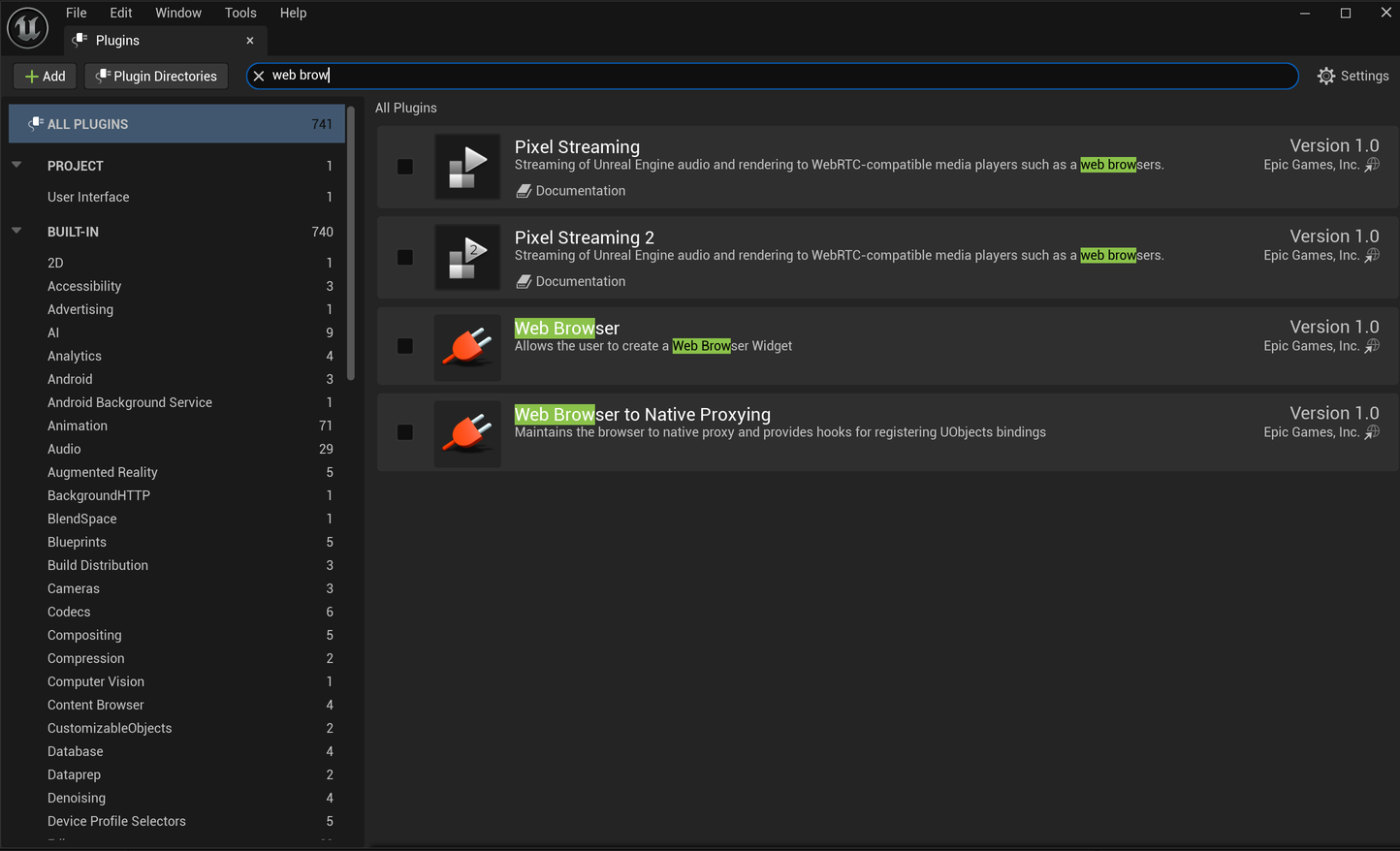
When you compare these plugins, the details matter more than the feature list:
- Rendering path. GPU shared textures avoid copying every frame through the CPU, which matters for full-screen UI at 1440p and 4K.
- Idle cost. A good integration only repaints when the page changes.
- Bridge. Look for promise-based requests, events pushed from Unreal, and JSON conversion of your structs and objects.
- Click-through and hit testing. Clicks on transparent areas should reach the game.
- World-space UI. Health bars and labels attached to actors should stay locked to them while the camera moves, not trail a frame or two behind.
- Packaging. Your UI files should be packaged with the game without manual steps.
- Engine versions and platforms. Check the exact Unreal versions and target platforms that have been tested, not just the ones listed.
Microsoft Edge WebView2
WebView2 embeds the Chromium-based Edge runtime that Microsoft distributes with Windows. The plugin itself is small, because it does not carry its own browser. In exchange, it is Windows only, and it depends on the WebView2 runtime that is installed on each player's machine. That runtime updates on Microsoft's schedule, not yours.
Native HTML and CSS renderers
Some plugins parse HTML and CSS themselves and draw the result with Slate, with no browser at all. They start fast, use little memory and run anywhere Unreal does. The cost is compatibility. They implement a subset of CSS, and most have no JavaScript runtime, so you cannot use React or npm packages and your page will not look the same as it does in Chrome. They suit simple menus written specifically for them.
Commercial HTML middleware
Studio-grade HTML UI middleware such as Coherent Gameface uses a rendering engine designed for games, with tooling and support aimed at large teams. It is licensed per title through a sales process, so it is mainly used by larger studios.
UMG and Common UI
Unreal's own UI needs no extra runtime and is fully supported by Epic. It is the safe default for simple UI. Web technology pays off when your UI has a lot of screens and state, when you want one stylesheet for everything, or when the people building UI already know web development.
Where Webkiln fits
Webkiln is a Chromium plugin built for game UI. It bundles its own Chromium 150 runtime, renders through GPU shared textures on Direct3D 11 and 12, and only repaints when the page changes. It includes:
- A promise-based JavaScript bridge to Blueprint and C++, with generated TypeScript types.
- Click-through for full-screen HUDs.
- World-space UI pinned to actors that stays locked to them every frame.
- Live Unreal textures, such as render targets, inside the page.
- Gamepad navigation and Chromium DevTools while the game is running.
- Local UI folders that are packaged automatically.
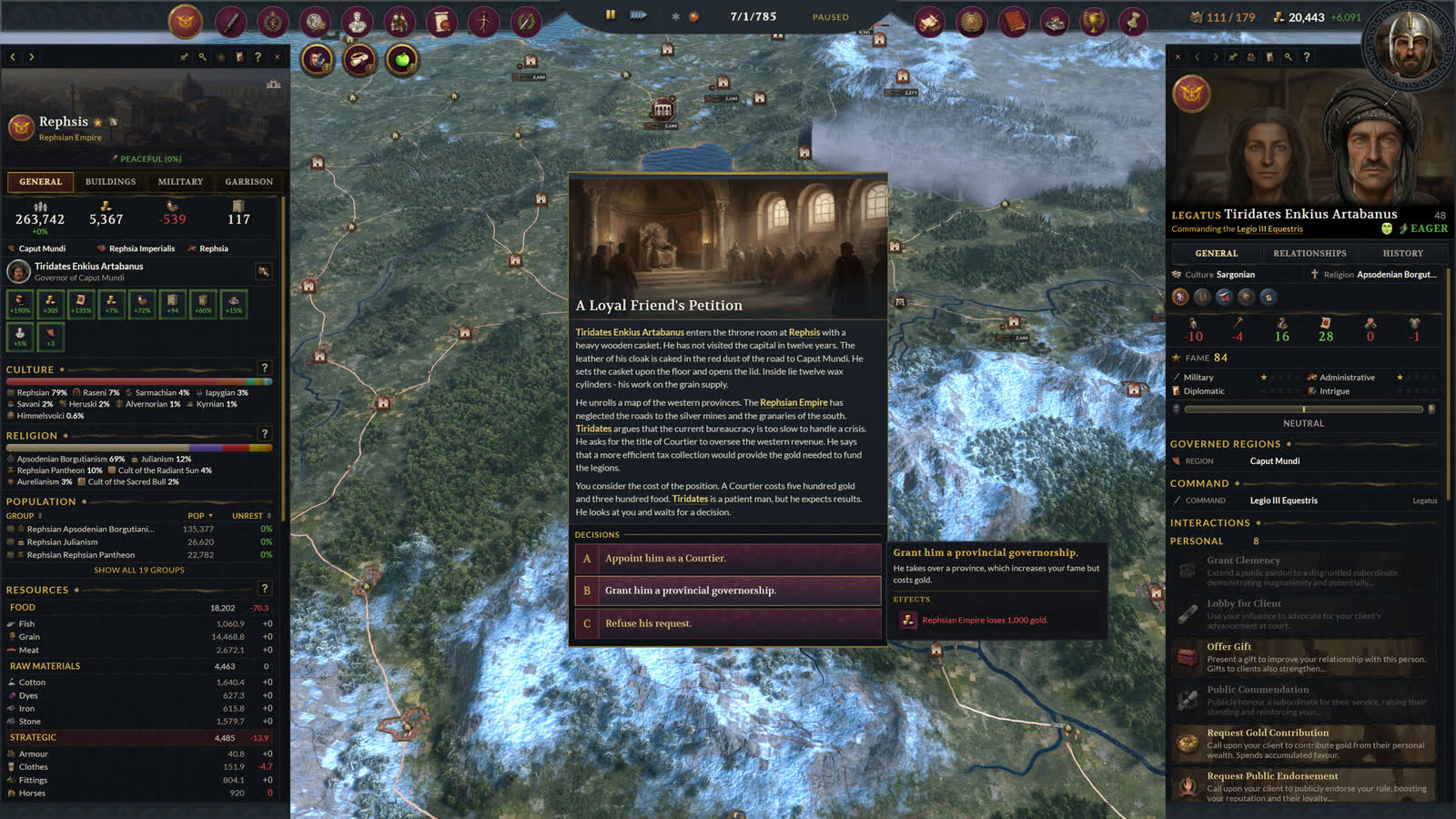
Its limits:
- Like other CEF plugins, it needs Unreal's Web Browser plugins turned off on Windows.
- The released plugin targets Unreal Engine 4.25–5.8 on Windows 64-bit. Linux, macOS, iOS and Android are separate source builds. Their tested configurations are listed under Compatibility.
- The free trial is watermarked and cannot package a game.
The fastest way to decide is to try it with your own UI. Download the trial and load a page you already have, or follow the React guide or the HTML and CSS HUD guide.